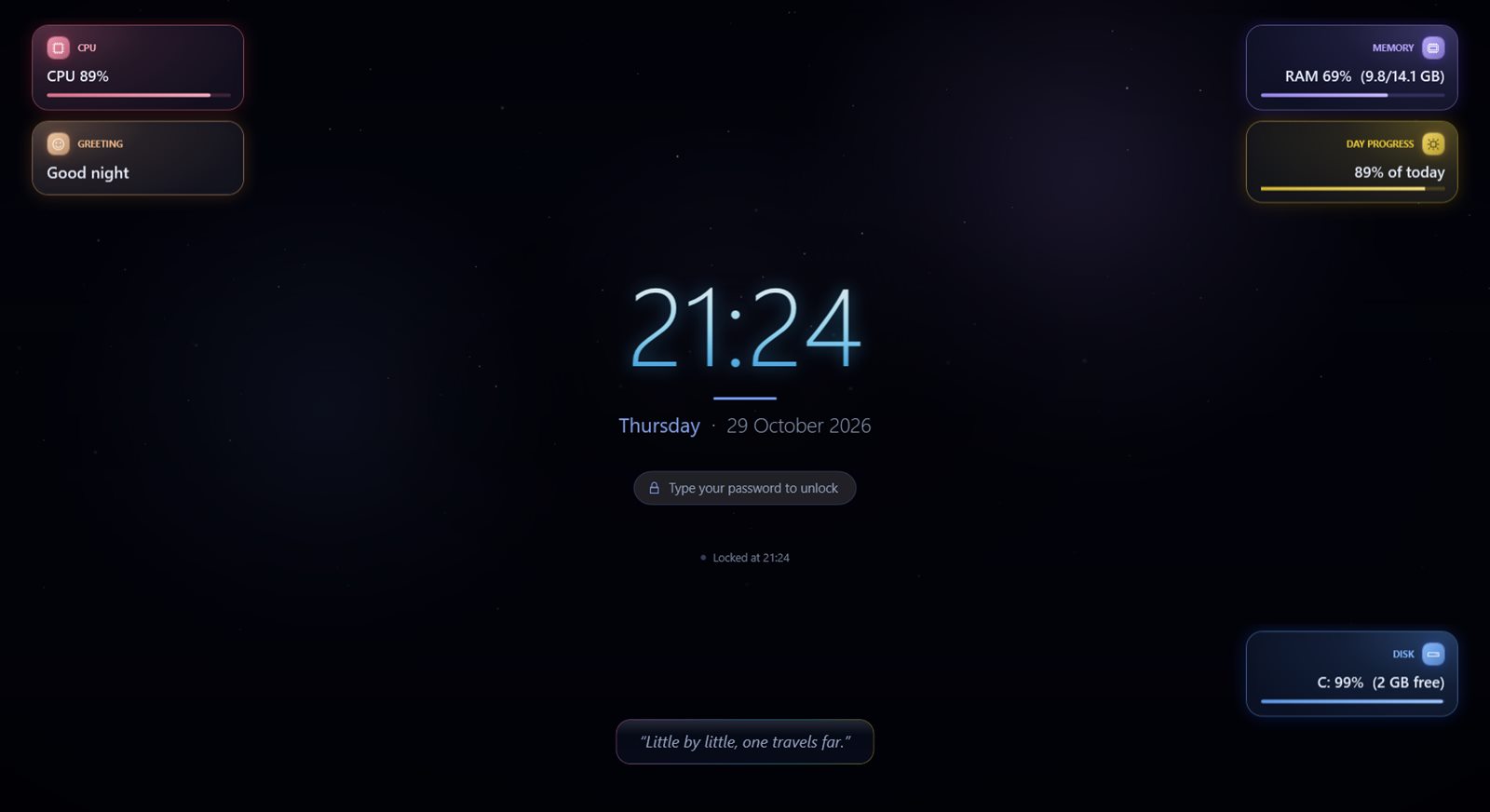
MoLock

Your whole PC — inside Telegram

A bot that answers only you, with a six-section control panel and 70+ commands. Lock, see, listen, control and find your PC — from anywhere in the world.

The control panel

Type /menu and it's all there

One message with a live status header and six sections that open in place with Back and Close — no chat spam.

  • 🔒 Lock & protectionLock, unlock, Windows lock, screen off and lock timers.
  • 👀 Protection alertsSomeone walks up or tries to close MoLock? An instant photo with another-photo, video, siren or OK buttons.
  • 📷 Camera & evidencePhoto, silent photo, video, mic, live view and who's at the PC.
  • 🖥 Screen & controlScreenshots, screen recording, live control, media and clipboard.
  • 💻 Device statusBattery, temperatures, apps, Wi-Fi and location on a map.
  • ⚡ PowerSleep, hibernate, restart, timed shutdown and cancel.
  • 🐳 MoLock appPause, password, updates, and open/close the app.
🐳MoLock Botbot · private to you
  1. /menu
  2. 🐳 MoLock — Control panel
    ━━━━━━━━━━━━━━
    💻 DESKTOP-7K2 · v2.5.0 · 🔋 76%⚡
    🟢 Unlocked — auto-lock is on

    Pick a section 👇
    🔒 Lock & protection📷 Camera & evidence🖥 Screen & control💻 Device status⚡ Power🐳 MoLock app⚙️ Quick settings❓ All commands🔄 Refresh✖ Close

Real examples

See remote control in action

Illustrative chats that mirror the bot's real replies.

Someone approached your PC while you were away

🐳MoLock Botbot · private to you
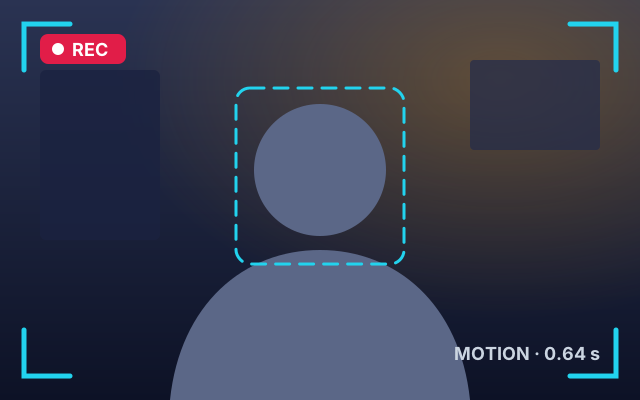
  1. Photo sent by the bot👀 Someone approached your PC
    💻 DESKTOP-7K2
    🕒 13:47:22 · Fri 30 Oct
    🔒 Locked for 25 minutes
    📡 Movement in front of the camera
    ⚡ Photo taken in 640 ms
    📸 Another photo🎥 Video🔊 Siren🔒 OK
  2. (tapped 🔊 Siren)
  3. 🔊 The siren is sounding on the PC (12 seconds).
  4. (tapped 🔒 OK)
  5. 👍 Got it — MoLock is still watching.

Update MoLock from your phone

🐳MoLock Botbot · private to you
  1. /update
  2. 🆕 New update available

    New version: v2.5.0
    You're on: v2.4.0
    📦 Size: 68.4 MB

    📝 What's new:
    A photo alert within a second when someone approaches your PC, tamper alerts, and updating from Telegram…
    ⬇️ Update now📝 Details✖ Not now
  3. (tapped ⬇️ Update now)
  4. ⬇️ Downloading v2.5.0… 64%
    ▰▰▰▰▰▰▱▱▱▱ 43.8 MB / 68.4 MB
  5. ✅ v2.5.0 downloaded and verified ✓
    ⚙️ Installing… MoLock will restart within seconds.
    I'll message you as soon as it's done ✨
  6. ✨ Updated to v2.5.0
    💻 DESKTOP-7K2 · was v2.4.0
    📝 What's new: /update → Details

Someone tried to switch the protection off

🐳MoLock Botbot · private to you
  1. 🛑 Someone ended MoLock from Task Manager — it restarted automatically
    💻 DESKTOP-7K2
    🕒 16:04:51 · Fri 30 Oct
    🟢 It was unlocked at the time.
    If this wasn't you, someone is trying to stop the protection.
  2. ⚠️ Someone tried to close MoLock with a wrong password
    💻 DESKTOP-7K2
    🎯 Action: close MoLock
    ⌨️ 6 characters typed (what was typed is never sent)
    🔢 Attempt 3
    🕒 16:05:30 · Fri 30 Oct
    🔒 The screen locked after the wrong attempts.
    (with a webcam photo)
  3. /here
  4. 👁 Who is at your PC — 16:06:02
    Locked: yes

    Recent:
    10-30 16:05 tamper
    10-30 16:04 tamper

The whole control panel in one message

🐳MoLock Botbot · private to you
  1. /menu
  2. 🐳 MoLock — Control panel
    ━━━━━━━━━━━━━━
    💻 DESKTOP-7K2 · v2.5.0 · 🔋 76%⚡
    🟢 Unlocked — auto-lock is on

    Pick a section 👇
    🔒 Lock & protection📷 Camera & evidence🖥 Screen & control💻 Device status⚡ Power🐳 MoLock app⚙️ Quick settings❓ All commands🔄 Refresh✖ Close
  3. (tapped 🔒 Lock & protection)
  4. 🔒 Lock & protection
    ━━━━━━━━━━━━━━
    Lock and unlock the PC and the screen
    🔒 Lock🔓 Unlock🔐 Windows lock🌑 Screen off🔆 Screen on⏲ Lock in 5 min⏲ In 15 min⏲ In 1 hour⬅️ Back✖ Close
  5. (tapped 🔒 Lock)
  6. 🔒 Locked.
  7. 🔒 MoLock locked. Use the buttons or send /help.🔓 Unlock this PC📷 Photo

Someone typed a wrong password

🐳MoLock Botbot · private to you
  1. ⛔ MoLock · Wrong password
    🕒 Thu 29 Oct 2026 · 14:32:07
    🔢 Attempt #1, #2
    ⌨️ Typed: 1234
    📎 3 photos · 8s clip with sound · lock screen
    📍 30.04442,31.23571 (±35 m)
    (one album: photos + clip)
  2. 📍 Location pin on the map
  3. /here
  4. 👁 Who is at your PC — 14:35:10
    Locked: yes

    Recent:
    10-29 14:32 failed
    10-29 14:32 failed
    10-29 14:20 lock

See who's at the PC right now

🐳MoLock Botbot · private to you
  1. /live 5
  2. 🔴 Live — a webcam frame every second for 5s…
  3. 🔴 1/5
  4. 🔴 2/5 …
  5. 🔴 Live ended.
  6. /mic 15
  7. 🎙 Listening 15s…
  8. 🎙 15s — 14:37:02 (audio)

Forgot the password while you're out

🐳MoLock Botbot · private to you
  1. /resetpassword
  2. 🔑 Change password
    ━━━━━━━━━━━━━━
    Choose how:
    • Type your own — you'll confirm it twice.
    • Strong suggestion — strong and easy to type.
    • New recovery code — if the old one is lost.

    Every message containing a password is deleted from the chat right away.
    ✍️ Type my own🎲 Suggest a strong one🔁 New recovery code✖ Cancel
  3. (tapped ✍️ Type my own)
  4. ✍️ Send the new password (at least 4 characters, no spaces).
    Use characters you can type on the PC's keyboard. /cancel to cancel.
  5. 🗑 Message deleted
  6. 🔁 Type it again to confirm (11 characters • strength: 💪 strong)
  7. 🗑 Message deleted
  8. ✅ Password changed (the recovery code is unchanged).

    🖥 A notice was shown on the PC too.
    🔒 Lock the PC now🏠 Menu

The laptop was stolen

🐳MoLock Botbot · private to you
  1. /locate
  2. 📍 Device location (accurate)
    Lat/Lon: 30.044420, 31.235712
    Accuracy: ±35 m
    https://www.google.com/maps?q=30.04442,31.235712
  3. 📍 Location pin on the map
  4. /where
  5. 📶 Wi-Fi: Cafe_Guest
    🌐 192.168.1.23
  6. /geoloop 5
  7. 📍 Sending the location every 5 min. Send /geoloop off to stop.
  8. /lockmsg This laptop is stolen — call 010…
  9. 📝 Lock-screen message set to:
    This laptop is stolen — call 010…

You need a file from the PC

🐳MoLock Botbot · private to you
  1. /screenshot
  2. Photo sent by the bot🖥 Screen — 14:40:12
  3. /files Documents
  4. 📂 C:\Users\Ahmed\Documents
    📁 Invoices
    1) CV-2026.pdf (240 KB)
    2) budget.xlsx (36 KB)
    3) presentation.pptx (8.4 MB)

    /cd <name|..> · /get <number|name> · send a file to upload here
  5. /get 3
  6. 📄 presentation.pptx (8.4 MB) (document)

Shut it down later — or not

🐳MoLock Botbot · private to you
  1. /shutdown 10
  2. ⏲ Will shutdown in 10 minute(s). Send /cancel to abort.
  3. (change of plans)
  4. /cancel
  5. ✖ Pending power action cancelled.
  6. /sleep
  7. ⚠️ Confirm: put the PC to sleep?✅ Do it❌ Cancel
  8. (tapped ✅ Do it)
  9. 🌙 Going to sleep…

Movie night: pause the lock, tune alerts

🐳MoLock Botbot · private to you
  1. /pause 2h
  2. ⏸ Auto-lock paused until 23:40
  3. /settings
  4. ⚙️ Quick settings
    ━━━━━━━━━━━━━━
    Tap any setting to turn it on/off — it's saved on the PC instantly.
    Everything else is in the app itself.
    ✅ 🔔 Alert on lock⬜ 🔔 Alert on unlock✅ 👁 Alert when someone approaches✅ 🎥 Full evidence reports✅ 🖼 Evidence as one album✅ 🛡 Block Windows lock on top of MoLock✅ 📢 Announcement popups⬜ 🔔 Announcement notifications✅ 🤖 Background bot after closing✅ 📹 Camera motion detection (while locked)✅ 🛑 Tamper alerts⬅️ Back✖ Close
  5. (after the movie)
  6. /resume
  7. ▶ Auto-lock resumed.

Private to you

Nobody else can take control

  • A bot you create

    The bot is yours, not a shared one. Even the developer has no access to it.

  • One chat only

    It answers your chat only and ignores everyone else.

  • Secrets vanish

    Password messages are deleted at once, and secrets the bot sends vanish after two minutes.

  • Works while closed

    A tiny background bot lets you open MoLock, lock the PC or reset the password.

Link your bot step by step

Download MoLock free